

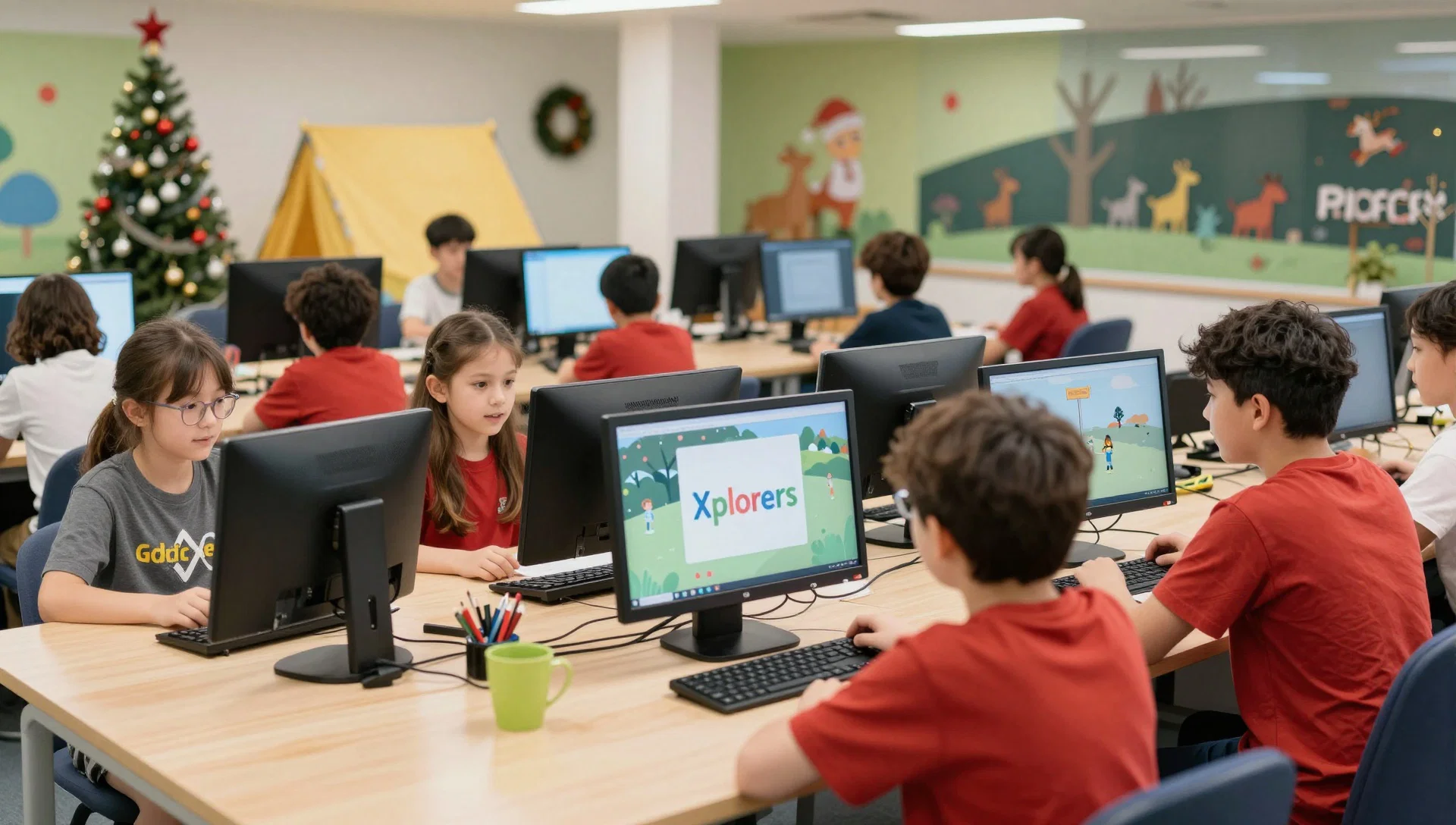
If you live in Coventry and are weighing up a holiday camp, the key questions are practical: where it runs, what children actually do, whether beginners can join, and what you need to prepare. This guide to ComputerXplorers holiday camps brings together the listing’s verified details and flags what to confirm before booking.
In short: ComputerXplorers holiday camps are weekday technology camps in Kenilworth, Warwick and Rugby, with activities including coding, robotics, game design and animation. The listed October 2026 camp is for children aged 6–13, and no previous coding experience is required.
What are ComputerXplorers holiday camps?
ComputerXplorers Warwickshire Tech Camps are school-holiday programmes centred on hands-on technology activities. The listing describes a mix of creative builds, coding and robotics, with a Friday Minecraft Club also mentioned.
For Coventry families, the locations named in the listing are Kenilworth, Warwick and Rugby. These are separate options, so check the venue details for the specific camp you’re considering before making travel plans.
The page gives one address: Park Hill Junior School, Parkfield Drive, Kenilworth, CV8 2JJ. It does not identify that as the venue for the Rugby or Warwick camps.
When do the camps run, and what are the listed hours?
The event listing gives the Halloween half-term dates as Monday 26 to Friday 30 October 2026. It presents the camp as a Monday-to-Friday programme.
For Monday 26, Tuesday 27 and Wednesday 28 October, the displayed date entries show hours of 09:00–15:00. The listing does not show the Thursday and Friday entries in the supplied text, so confirm the hours for those days with the team before booking.
The listing also gives a 10% offer with code CRHLWN26. It does not explain the offer’s terms or whether it applies to every location, so check the booking details before relying on the discount.
What do children do at the camp?
The programme combines structured technology activities with creative challenges and breaks away from screens. The specific activities described on the listing include:
- Game design: planning, building and playing original computer games.
- Robotics: coding, decorating and using Edison Robots, Botley robots and LEGO Robotics.
- Digital animation: creating 2D and 3D animations.
- Coding challenges: solving technology-based puzzles that practise logic and problem-solving.
- 3D architecture: designing and building in 3D, with opportunities to 3D print creations to take home.
The listing does not provide a day-by-day timetable, so you can’t tell from it which activity happens on a particular day. If your child is especially interested in one project, ask the team whether it is included during the dates and at the location you’re considering.
Is the camp suitable for a child with no coding experience?
Yes. The listing says previous coding or technology experience is not required, and that children receive step-by-step support. It also says activities are adapted for different ages and experience levels.
The advertised age range is 6–13. That is a broad range, and the source does not describe separate age groups or give a sample activity plan for each age. If you want to understand how a particular project will be adjusted for your child, contact the team before booking.
The camp listing says its programme aims to build confidence, teamwork and independence through technology projects, collaborative challenges and independent work. These are stated aims, not guaranteed outcomes for every child.
How does the camp balance screen time and active play?
The listing says children will have outdoor play and screen-free games as active breaks. It describes the day as a mix of technology activities, creative challenges and breaks, rather than a full day spent on screens.
That may help you assess whether the programme’s format sounds right for your child. The page doesn’t give the length or timing of breaks, or a detailed schedule showing how much time is spent on each activity. If that detail matters to your family, ask the organisers directly.
For more local ideas during school holidays, add a link here: [link to your page about Coventry school-holiday activities].
How can Coventry families choose a camp location?
Start with the three locations named in the listing: Kenilworth, Rugby and Warwick. Choose the one that works best for your family’s travel plans, then confirm its exact venue and booking information. The only address included in the supplied listing is the Kenilworth address at Park Hill Junior School.
The source gives separate booking pages for the three locations, but the exact Rugby and Warwick venue addresses aren’t included in the text provided here. Don’t assume the Kenilworth address applies to the other sites.
Before committing, check the date, location, hours and any offer conditions in the relevant booking details. This is particularly useful if you’re planning around a full week, since the supplied listing shows the hours for only the first three dates.
What should children bring?
The listing says parents will receive joining instructions. It generally recommends that children bring:
- A packed lunch
- Snacks
- Drinks
- Comfortable clothing
The source also says the camp provides software, devices and technology. It doesn’t list any extra equipment children should bring, so check the joining instructions for the chosen location and dates rather than packing technology or project materials without being asked.
What should you check before booking?
The listing provides a helpful overview of activities and age suitability, but it leaves some practical details open. Confirm the exact venue, daily schedule and operating hours for your selected location and date. The supplied text shows 09:00–15:00 for the first three listed dates, but doesn’t show the later date entries.
Ask about the camp price, availability, cancellation arrangements and the conditions for using the 10% code. If your child has individual support or accessibility needs, the listing encourages parents to discuss those needs with the team in advance. It also clarifies that this is a group holiday camp rather than 1:1 support.
If you’re comparing this with other local options, add a link here: [link to your page about children’s holiday camps near Coventry].
How do you contact the ComputerXplorers team?
The listing gives the email address warwickshire@computerxplorers.co.uk and phone number 01788 223 051. Contact the team to ask about the location you’re considering, the full schedule, offer conditions or your child’s individual needs.
The page includes parent testimonials describing positive experiences with the sessions. Testimonials are individual accounts; for practical decisions, confirm current details directly with the organiser.
For more family-friendly ideas across the area, add a link here: [link to your page about family days out around Coventry].
Frequently asked questions
What ages can attend the ComputerXplorers camps?
The listing says the activities are designed for school-age children aged 6–13, with content adapted for different ages and experience levels. It doesn’t explain whether children are grouped by age or how activities differ between age groups, so ask the team if you need that detail.
Does my child need to know how to code?
No. The listing says no previous coding or technology experience is required and that children are supported step by step. Activities include coding challenges and game design, so beginners can take part without arriving with prior experience.
Will children spend all day on screens?
The listing says no. It describes active outdoor breaks and screen-free games alongside the technology activities. It doesn’t give a detailed daily timetable or specify how long each break lasts, so contact the organisers if you need a clearer picture of the balance.
Is the camp suitable for children with additional needs?
The listing says the camp aims to be inclusive and welcoming, and encourages parents to contact the team in advance to discuss individual needs. It also states that this is a group holiday camp rather than 1:1 support, so discuss your child’s requirements with the organisers before booking.
What should my child bring?
The general guidance is to bring a packed lunch, snacks, drinks and comfortable clothing. Parents are also told to expect joining instructions. The listing says the camp provides software, devices and technology, but check the instructions for your chosen venue in case they include additional guidance.
Contact the team before choosing your dates
Choose your preferred location, then contact ComputerXplorers on 01788 223 051 or at warwickshire@computerxplorers.co.uk to confirm the venue, full daily hours, availability and offer conditions. That gives you the practical details the listing doesn’t provide before you book.